Product Description & Technical Details
Product Description
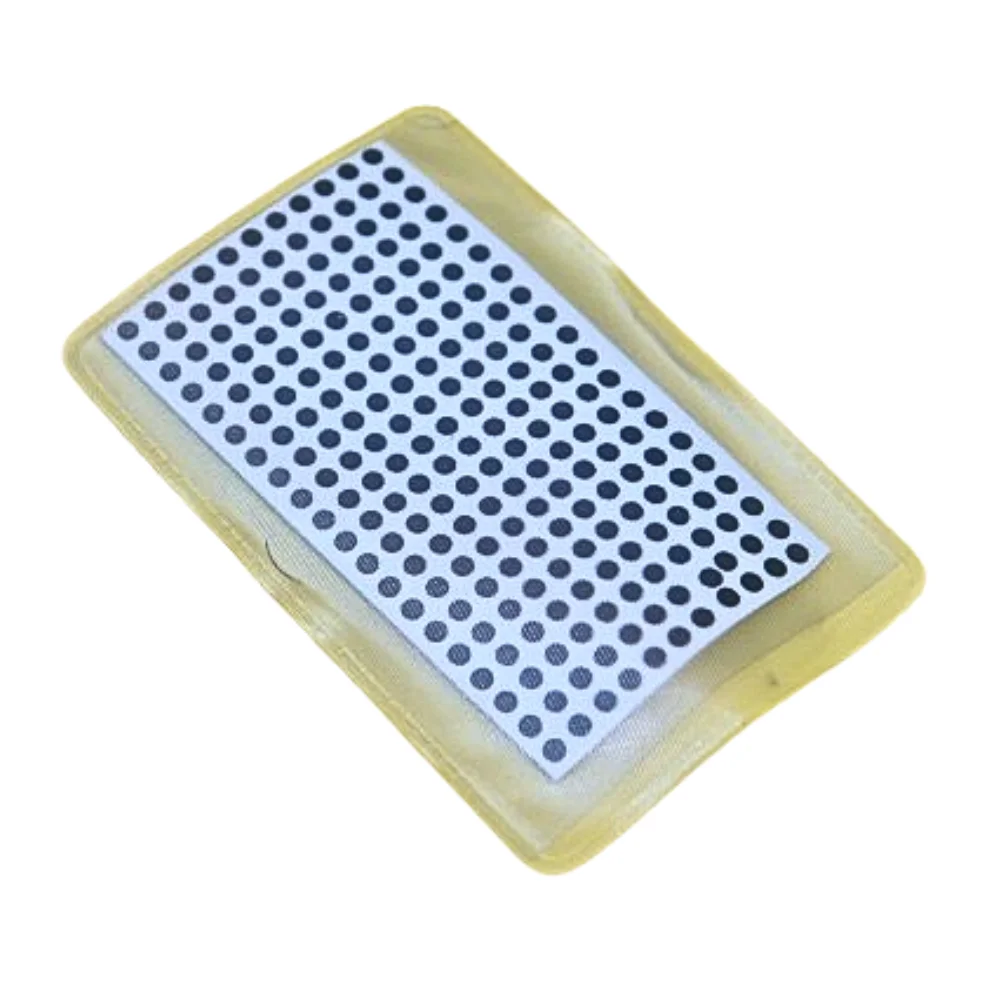
The Conductive Carbon Dot Repair Kit is an essential maintenance tool for electronics service centers and DIY hobbyists. Over time, the conductive coating on the underside of remote control rubber buttons wears off, leading to "hard-to-press" or completely non-functional buttons (commonly the Power or Volume keys). These 4mm carbon dots provide a fresh, highly conductive contact surface. By simply sticking or gluing these dots onto the existing rubber pads, you restore the electrical bridge to the PCB, making the remote feel brand new again.
[Image showing a sheet of 210 small black circular carbon dots]
Key Highlights
Cost-Effective Restoration: Saves the cost of replacing expensive original remotes (like Sony/Samsung) by repairing the internal contacts for a fraction of the price.
Universal 4mm Size: The 4mm diameter is the industry standard for most consumer electronic remotes, including DTH, AC, and DVD controllers.
Low Resistance: Formulated with a high-density carbon mix to ensure near-instant triggering with minimal physical pressure.
Bulk Quantity: A single sheet contains 210 dots, allowing a repair technician to service dozens of remotes with one "Patta."
Reliable Contact: Unlike temporary "pencil lead" or "aluminum foil" fixes, these carbon dots are designed to withstand thousands of presses without peeling or degrading.
Technical Specifications
Resistance: < 100 $\Omega$ (Typical per dot)
Thickness: ~0.3mm to 0.5mm
Adhesion: Compatible with specialized silicone glue or cyanoacrylate (Super Glue)
Color: Matte Black
[Image showing the application process: applying a dot to the bottom of a rubber button]
Repair & Prototyping Tip
Clean First: Open the remote and clean the green PCB contacts and the rubber keypad with Isopropyl Alcohol (IPA) to remove oil and dust.
Surface Prep: Use a fine-grit sandpaper to lightly scuff the bottom of the non-responsive rubber button for better adhesion.
Application: Apply a tiny drop of silicone-based glue (or a high-quality flexible adhesive) to the rubber pad, then place the carbon dot using tweezers.
Cure Time: Allow the glue to dry completely (usually 1–2 hours) before reassembling to prevent the dot from shifting.
Note: This kit contains the Carbon Dots only. Adhesive/Glue and Isopropyl Alcohol are sold separately. Product images are for illustration purposes only.