Prototyping & Engineering Tips (Robogears Exclusive)
Logic Level Warning: The D1 WiFi operates strictly at 3.3V logic. Connecting 5V sensors or shields directly to the GPIO pins will damage the ESP8266 chip; always use a logic level converter for 5V components.
IDE Configuration: In the Arduino IDE, install the ESP8266 board manager and select "Wemos D1 R1" or "Wemos D1 R2 & mini" from the boards menu for successful compilation.
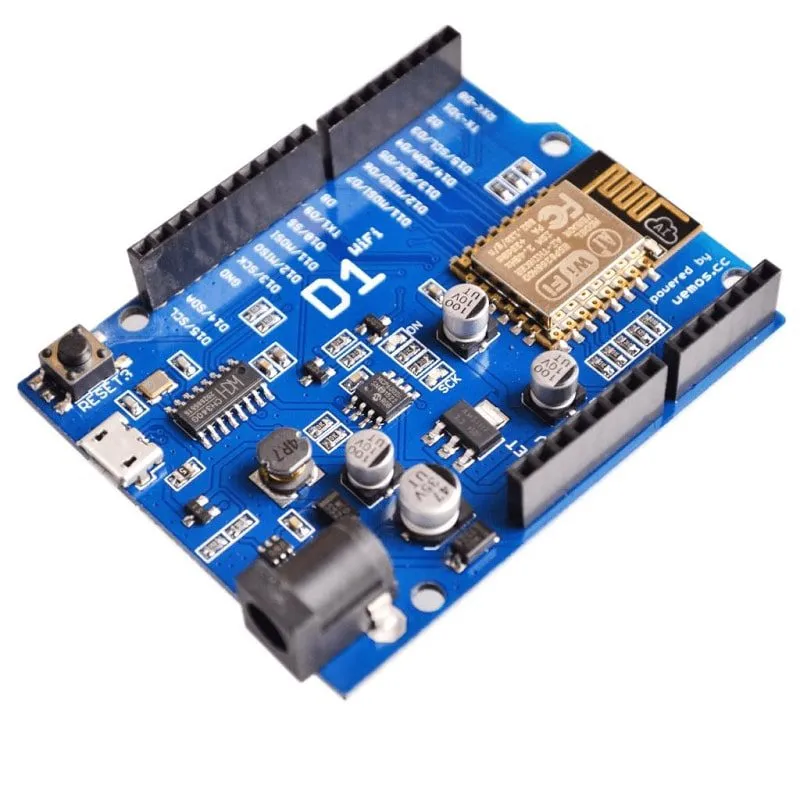
Driver Installation: Since this board uses the CH340G converter, ensure you have the latest CH340 drivers installed on your PC to correctly identify the COM port.
Shield Verification: While physically compatible with Uno shields, always verify that the shield's pinout and operating voltage are compatible with the ESP8266's 3.3V environment.
Package Includes
Image Disclaimer
Image shown is for illustrative purposes only; the actual product may vary slightly in design, color, or component layout due to manufacturing updates, though technical specifications will remain as described.