Product Description
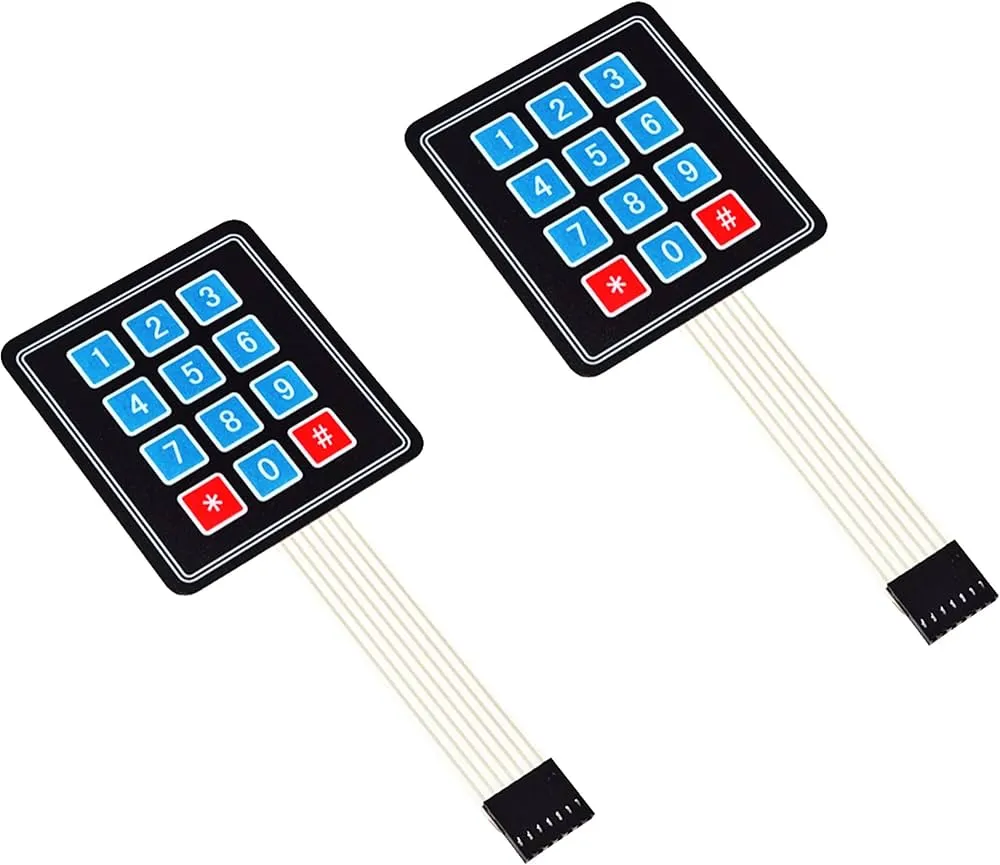
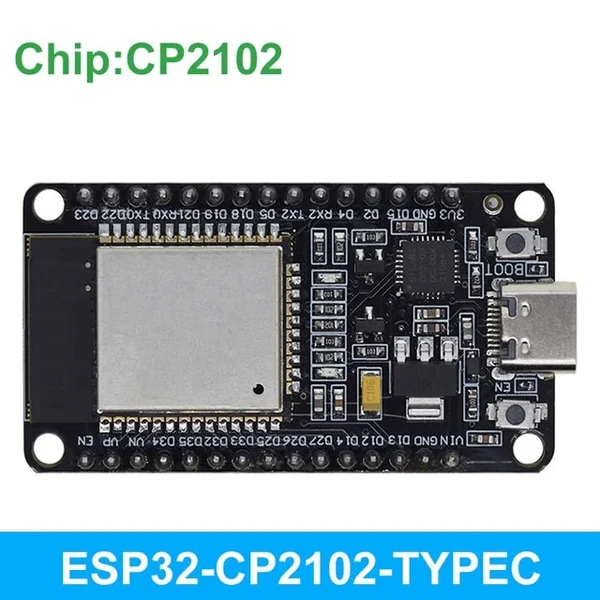
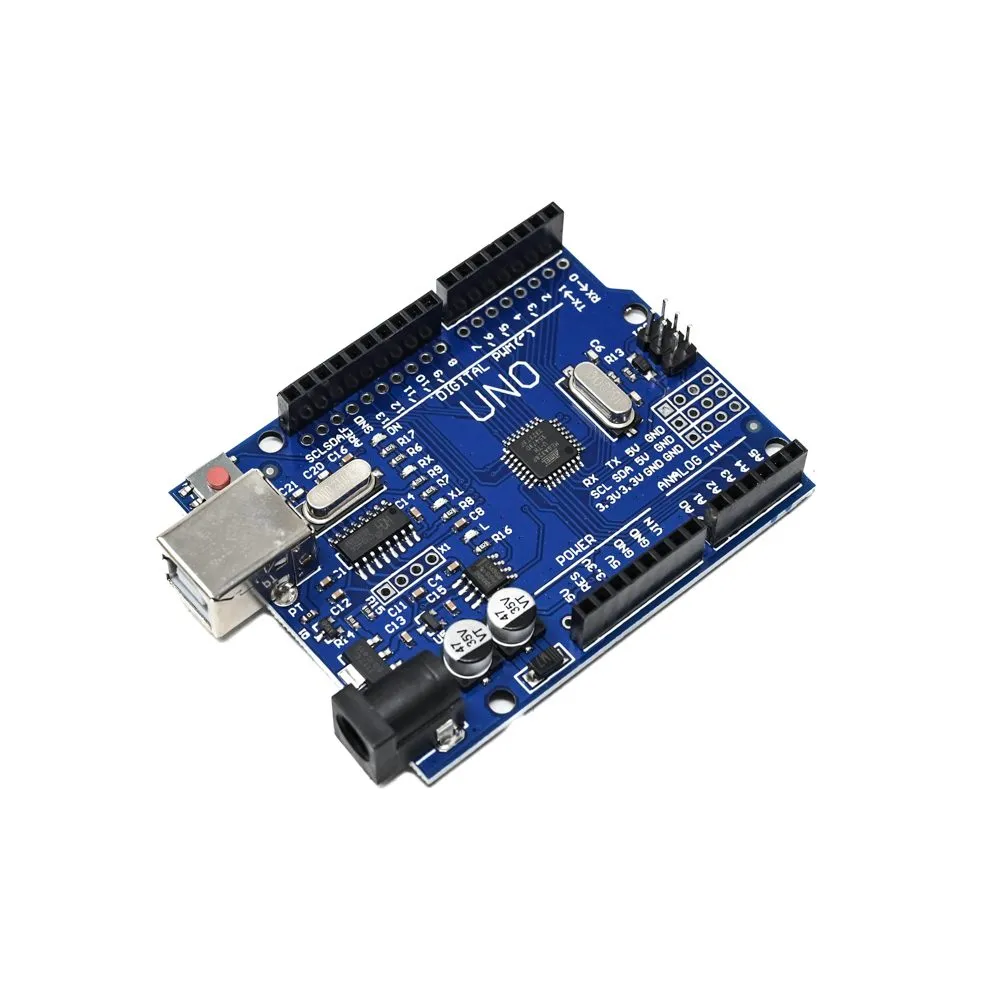
The 4x4 Matrix Membrane Keypad is an ultra-thin, flexible input solution perfect for projects requiring comprehensive alphanumeric or numeric data entry. This 16-button keypad features 0-9 numeric keys plus A-D function keys, asterisk (*), and hash (#). Its lightweight, low-profile design includes a strong 3M adhesive backing for seamless mounting onto any clean, flat surface. Built from multiple layers of high-quality PET with conductive silver ink traces, it is resistant to dust and light moisture. It interfaces with microcontrollers like Arduino, ESP32, and Raspberry Pi using 8 digital pins via a matrix scanning technique, providing a professional user interface for security systems, calculators, and industrial control prototypes.
Key Features
16-Key Comprehensive Layout: Includes a full numeric set (0-9) and four function keys (A, B, C, D) for advanced menu navigation.
Ultra-Thin & Flexible: At only 0.8mm thick, it adds virtually no bulk to your project enclosure, maintaining a sleek aesthetic.
Strong Adhesive Backing: Pre-applied 3M industrial adhesive ensures a permanent bond to plastic, metal, or glass panels.
Sealed Membrane Surface: Protects internal conductive traces from dust, dirt, and water splashes, ensuring long-term reliability.
Standard 8-Pin Interface: Features a 2.54mm pitch female Dupont connector on a flexible ribbon cable for easy connection to standard headers.