Product Description
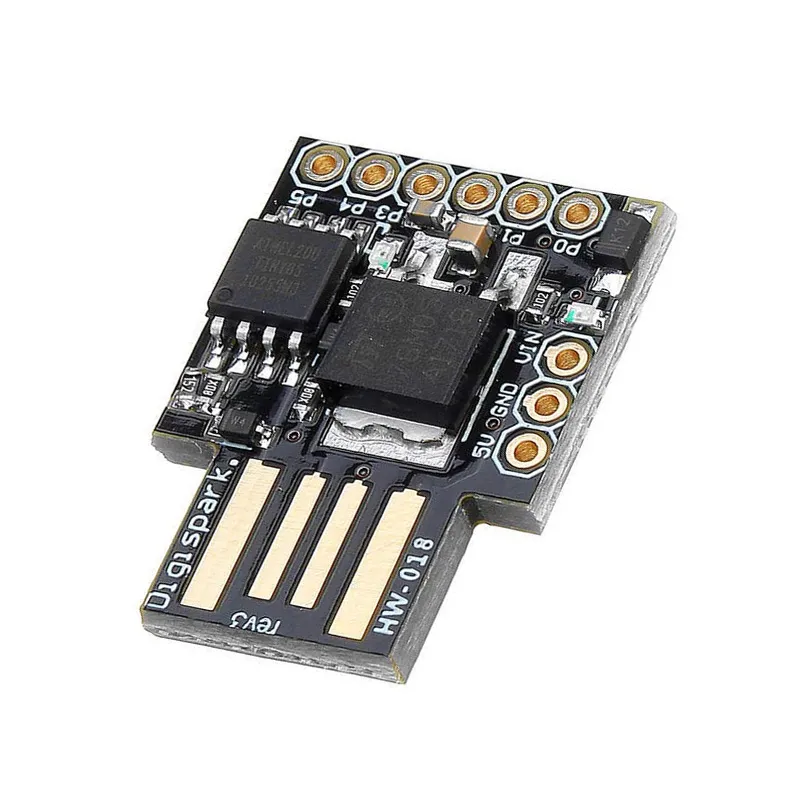
The Digispark ATTiny85 is an ultra-compact, Arduino-compatible development board designed for projects where size and cost are the primary constraints. Built around the powerful Atmel ATTiny85 8-bit AVR microcontroller, this board features a built-in Micro-USB interface, allowing it to be programmed directly through the Arduino IDE without the need for an external programmer. Despite its miniature footprint, it packs 6 GPIO pins, hardware PWM, and I2C/SPI communication support. Its versatile power management system includes an on-board regulator, enabling it to be powered via USB or an external DC source up to 35V, making it the perfect choice for wearable electronics, hidden security devices, and simple automation nodes.
Key Features
Ultra-Miniature Footprint: One of the smallest Arduino-compatible boards available, ideal for embedding into tight spaces and enclosures.
Direct USB Programming: Features the Micronucleus bootloader, allowing for seamless code uploads via Micro-USB without extra hardware.
Versatile Power Input: On-board 500mA regulator accepts a wide range of external voltages (7V to 35V) or stable 5V via USB.
I/O Capability: Supports up to 6 GPIO pins (2 are used for USB communication during programming) with ADC and PWM functionality.
USB Device Emulation: Can be programmed to act as a USB HID device (Keyboard, Mouse, or Joystick), making it a favorite for PC automation scripts.