📚 Resources
Arduino Program
RoboGears provides reference Arduino code for this project.
Automatic Toll Gate Arduino Code: Available from the code link provided on the RoboGears product page.
The Arduino UNO compatible board supplied with the kit is already pre-programmed, so downloading or uploading the code is not required for initial operation.
The reference program can be useful for students who later want to study, modify or experiment with the project using the Arduino IDE.
Getting Started
Step 1 — Identify the Components
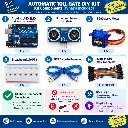
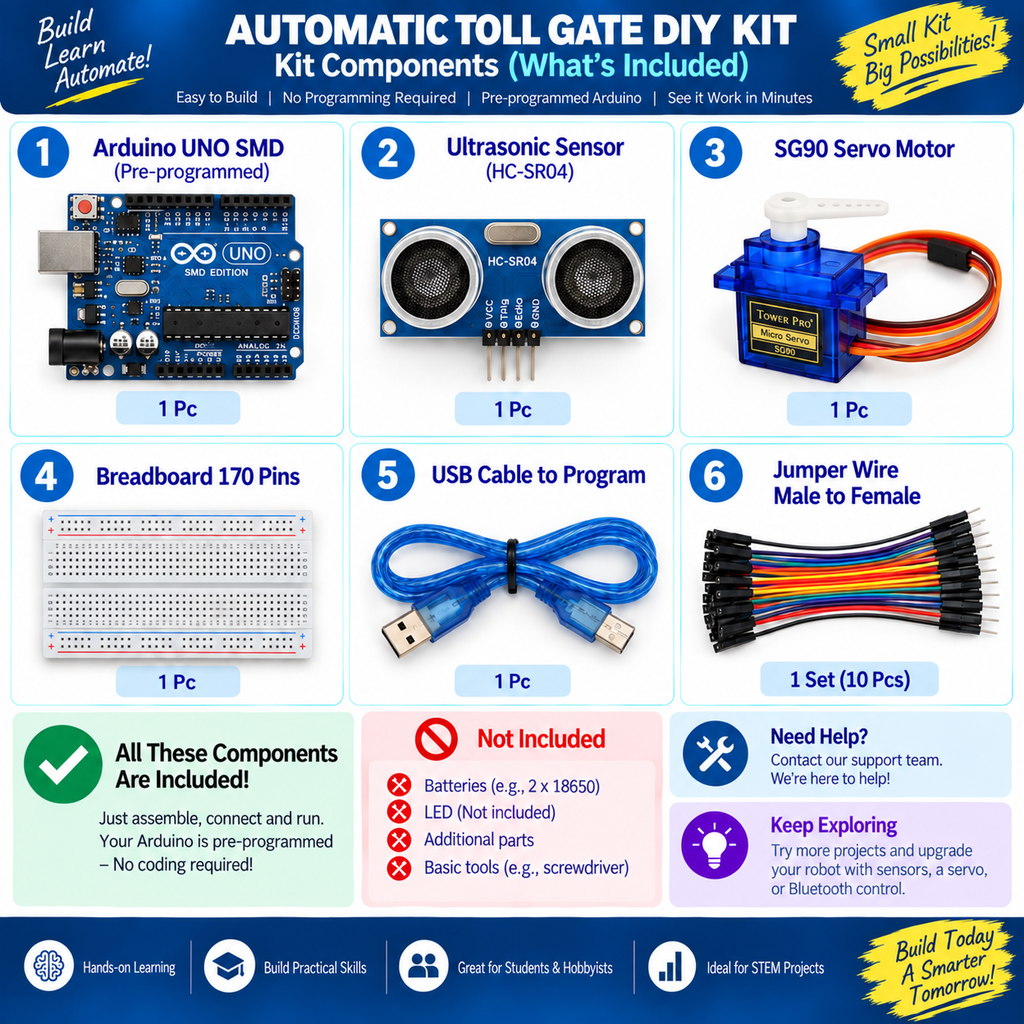
Before assembly, identify:
Arduino UNO compatible board
HC-SR04 ultrasonic sensor
Servo motor
Breadboard
Jumper wires
USB cable
Toll-gate project components
Step 2 — Prepare the Project Base
Prepare a stable project base for the toll-gate demonstration.
Position the gate mechanism so that the servo can move the barrier freely without excessive mechanical resistance.
Step 3 — Mount the Servo Motor
Secure the servo near the gate mechanism.
Use a lightweight barrier arm to reduce unnecessary mechanical load on the servo.
Step 4 — Position the HC-SR04 Sensor
Mount the ultrasonic sensor facing the path from which the model vehicle or object will approach.
Keep both ultrasonic transducers unobstructed.
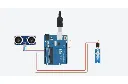
Step 5 — Connect the Electronics
Connect:
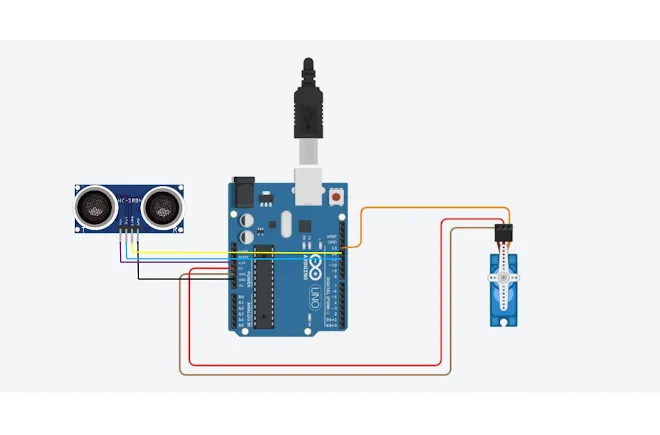
HC-SR04 → Arduino UNO
and
Servo Motor → Arduino UNO
according to the supplied project wiring and pre-programmed Arduino configuration.
Important: Do not randomly choose Arduino pins. The wiring must correspond with the supplied program.
Step 6 — Check the Wiring
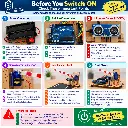
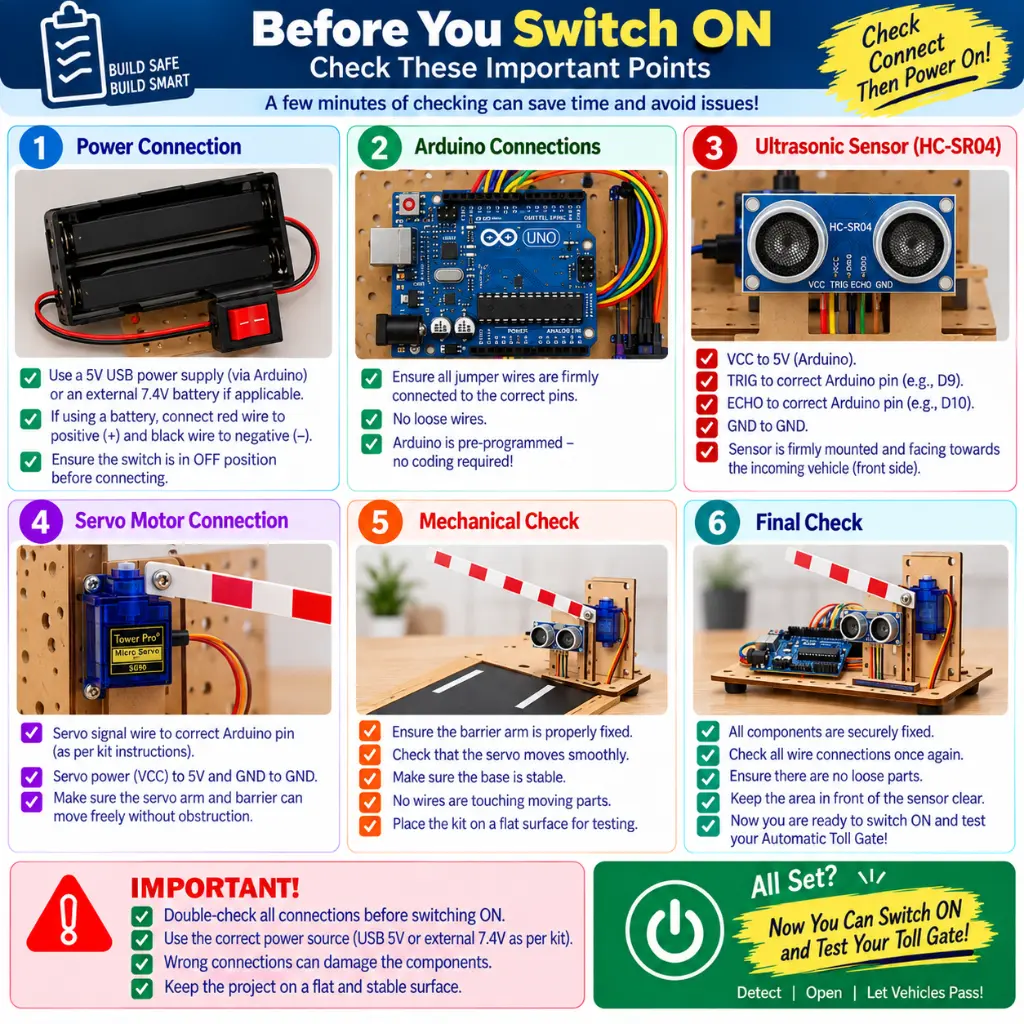
Before powering the system, verify:
VCC
GND
HC-SR04 TRIG
HC-SR04 ECHO
Servo signal
Servo power
Common ground
Jumper-wire connections
Step 7 — Power the Project
Use the appropriate 5V DC power arrangement.
USB power or a suitable external 5V supply can be used according to the project configuration.
Step 8 — Test Object Detection
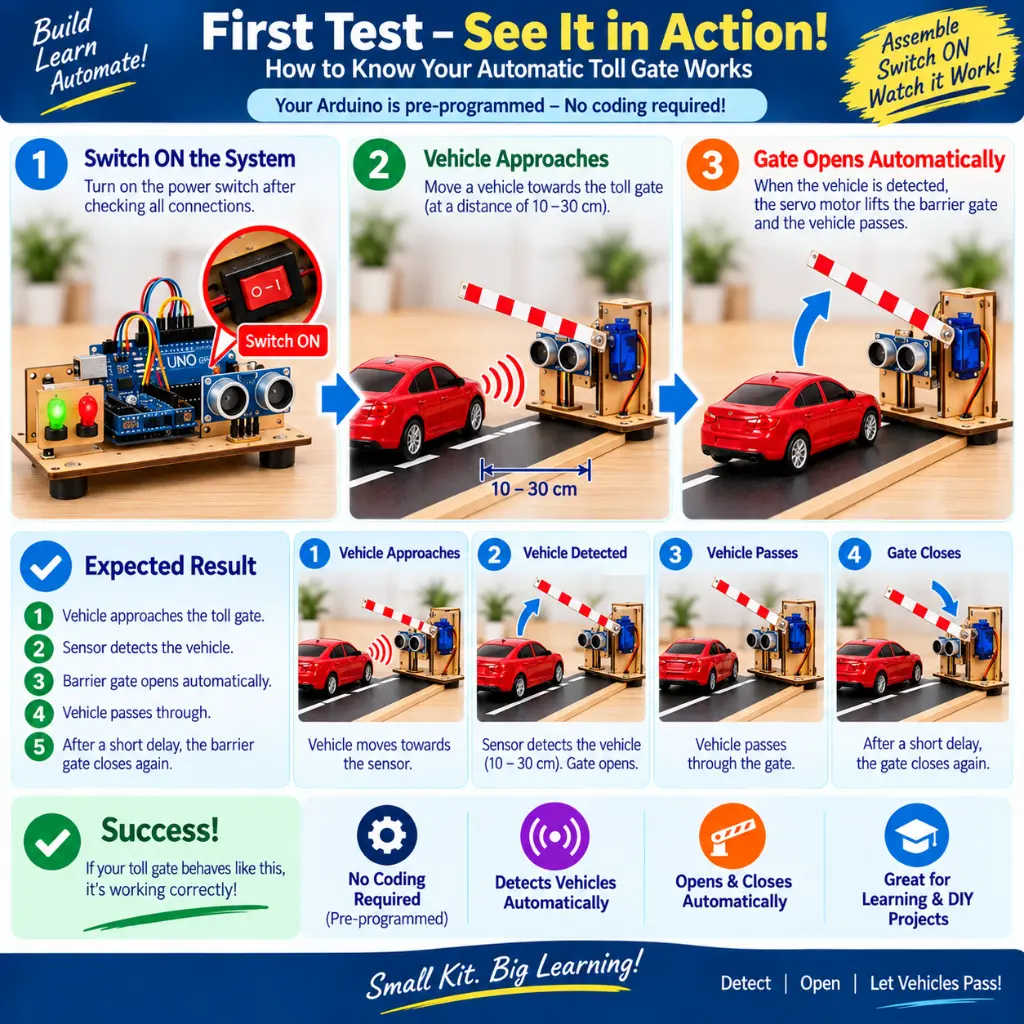
Move a suitable object toward the ultrasonic sensor.
Confirm that the sensor detects the object and that the Arduino responds.
Step 9 — Test Gate Movement
Verify that the servo raises and lowers the barrier without:
Mechanical jamming
Excessive load
Pulling wires
Hitting the project base
Step 10 — Calibrate
Adjust the physical sensor position and project setup until object detection and gate operation are consistent.
Assembly Flow
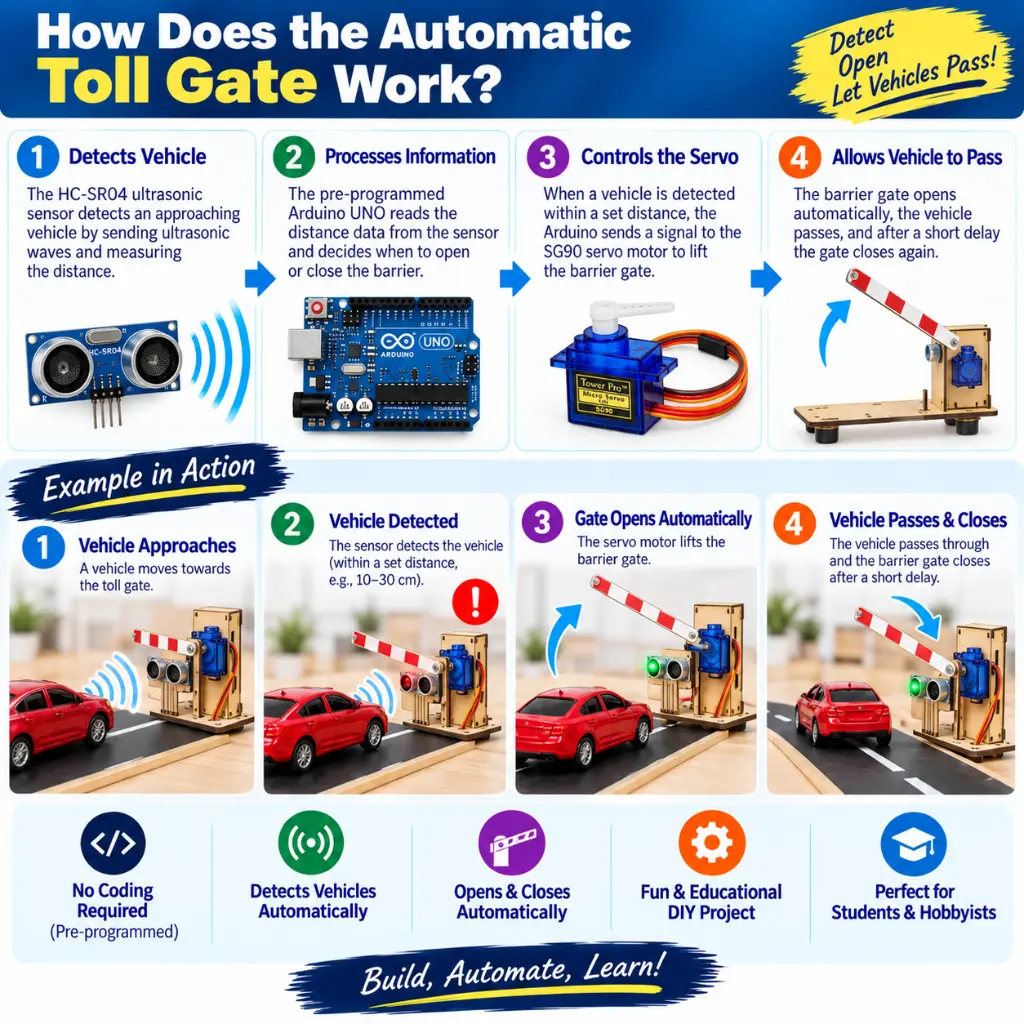
Approaching Vehicle / Object
↓
HC-SR04 Ultrasonic Sensor
↓
Arduino UNO Compatible Board
↓
Servo Motor
↓
Toll Gate Barrier
Keep the HC-SR04 facing the approaching vehicle path and use a lightweight gate arm for smoother servo operation.