Getting Started
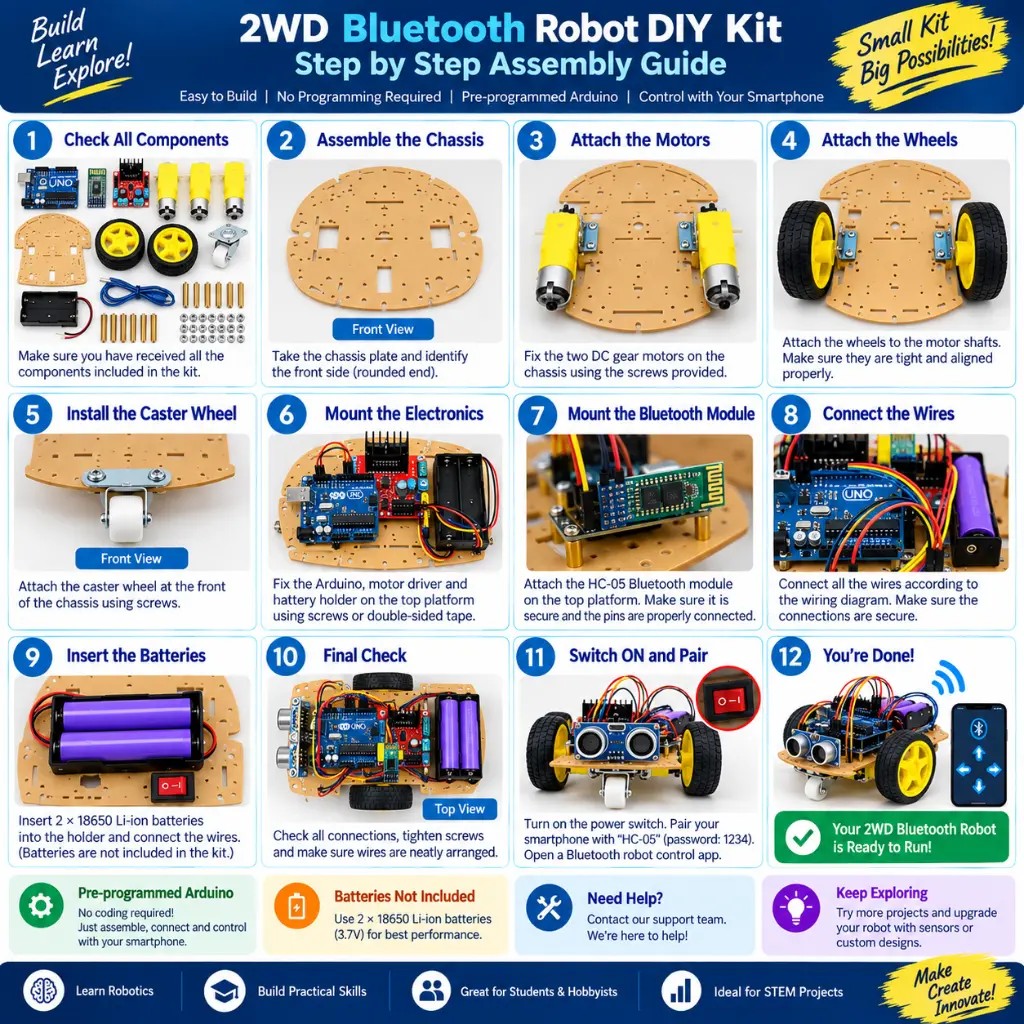
Step 1 — Check All Components
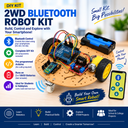
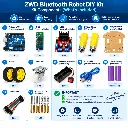
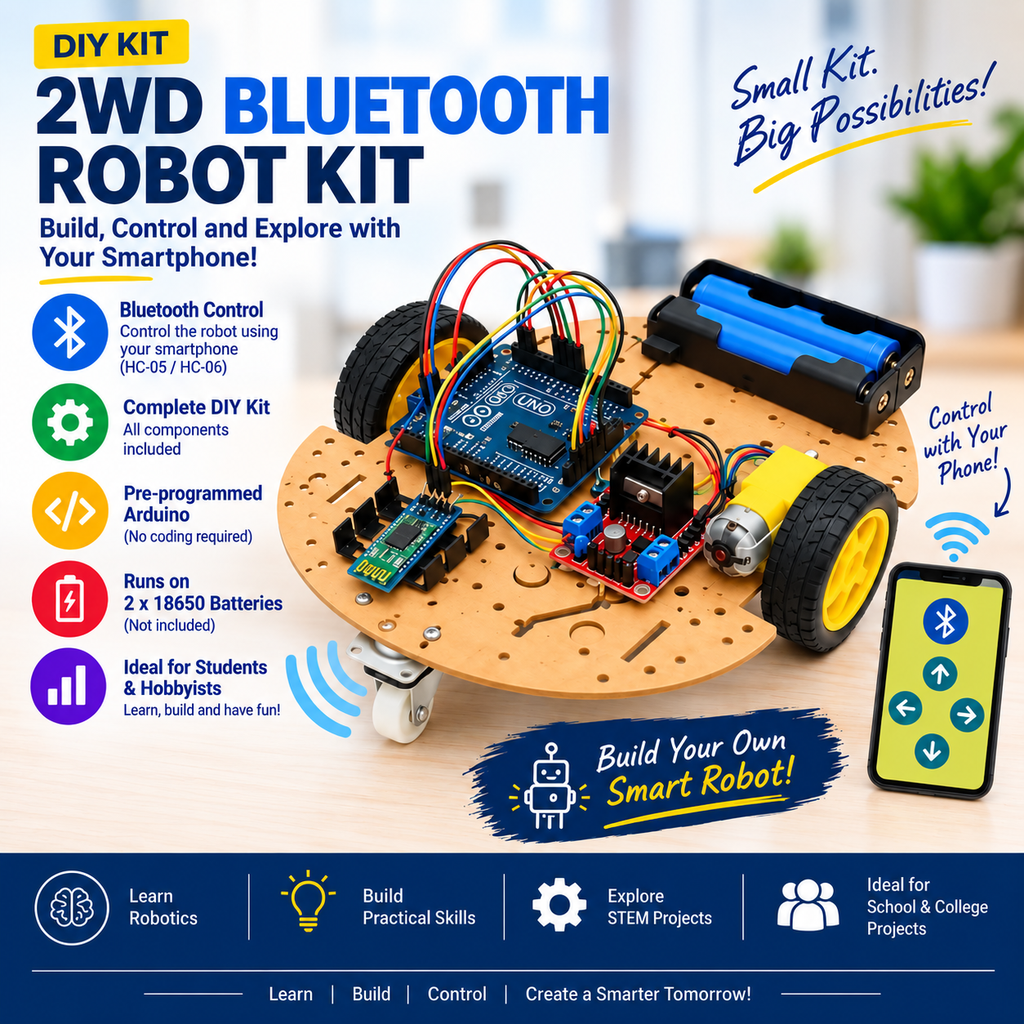
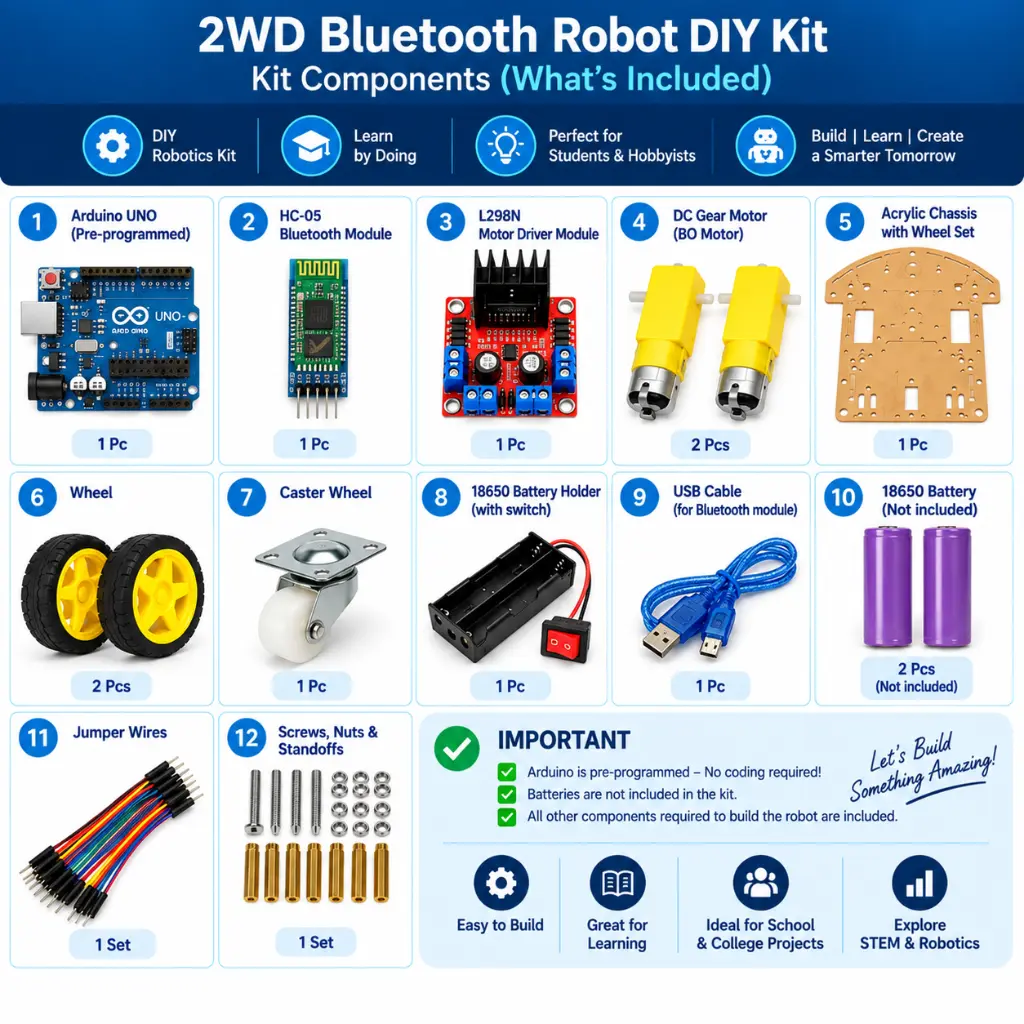
Before starting assembly, identify:
- Arduino UNO
- HC-05 Bluetooth module
- L298N motor driver
- Two DC geared motors
- Two wheels
- Castor wheel
- Robot chassis
- Battery holder
- Jumper wires
- USB cable
- Mounting hardware
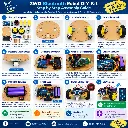
Step 2 — Assemble the Chassis
Mount both DC geared motors securely to the robot chassis.
Install one wheel on each motor.
Install the castor wheel so that the robot has stable three-point support.
Step 3 — Mount the Electronics
Secure the:
Arduino UNO + L298N + HC-05
to appropriate positions on the chassis.
Avoid allowing exposed PCB contacts to touch conductive surfaces.
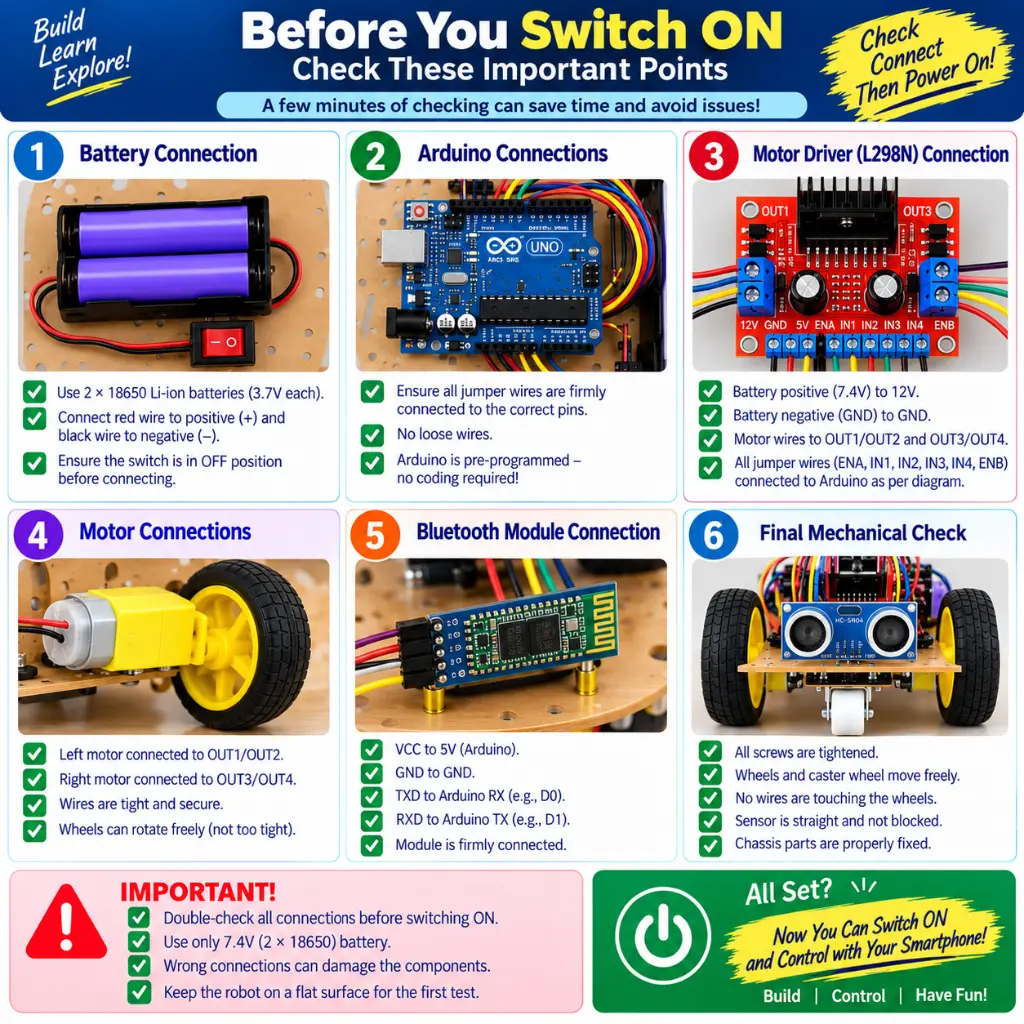
Step 4 — Connect the Motors
Connect the two DC geared motors to the L298N motor-driver output terminals.
The motor orientation and polarity must correspond with the pre-programmed movement logic.
Step 5 — Connect the L298N to Arduino
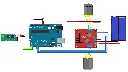
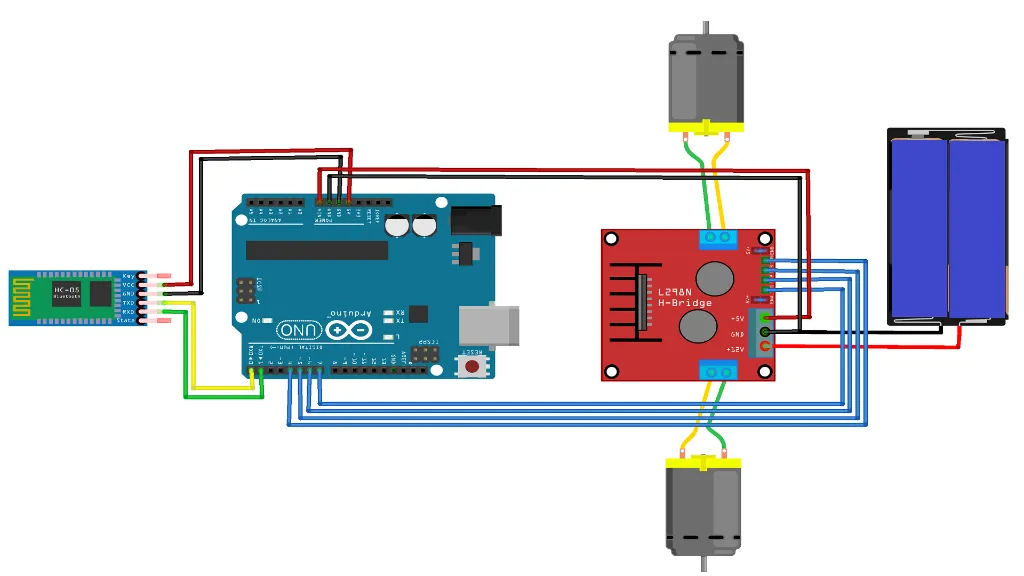
Connect the L298N control inputs to the Arduino according to the RoboGears project wiring diagram/program pin configuration.
Do not randomly choose Arduino pins because the wiring must correspond with the supplied pre-programmed sketch.
Step 6 — Connect the HC-05
The HC-05 communicates with the Arduino through serial communication.
Follow the project wiring for:
Use the exact connections required by the supplied program.
Step 7 — Connect the Battery System
Connect the battery holder according to the project wiring.
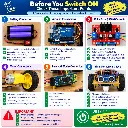
Before applying power, verify:
- Battery polarity
- Arduino wiring
- Motor-driver wiring
- HC-05 wiring
- Motor connections
- Loose jumper wires
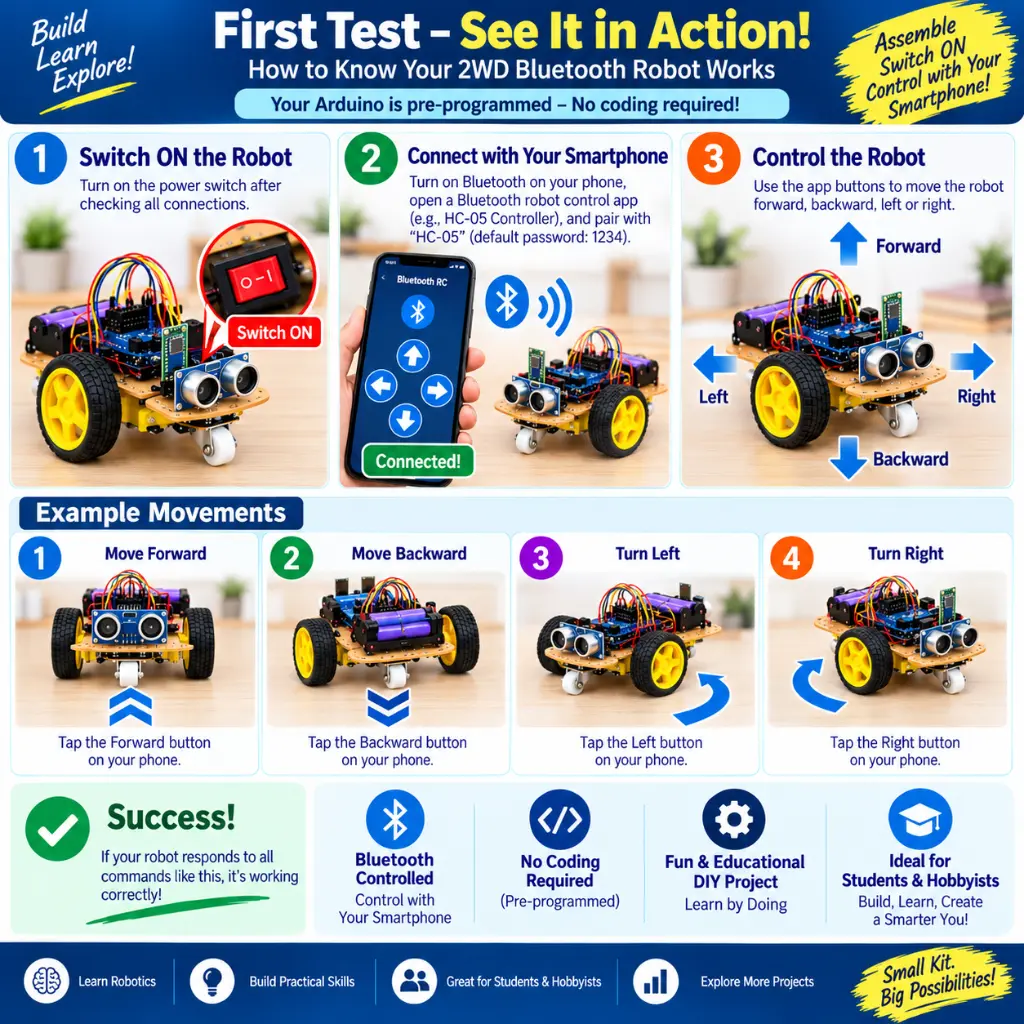
Step 8 — Pair the Smartphone
Enable Bluetooth on the compatible Android smartphone.
Search for the HC-05 module and pair with it.
Step 9 — Open the Bluetooth Control App
Open a compatible Bluetooth serial/robot-control application and connect it to the HC-05.
The commands configured in the application must correspond with the commands expected by the supplied Arduino program.
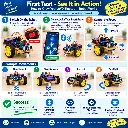
Step 10 — Test at Low Speed / Clear Area
Place the robot on a flat, open surface.
Test:
Forward → Backward → Left → Right → Stop
Confirm every function before allowing unrestricted movement.
Bluetooth Pairing & Mobile Control
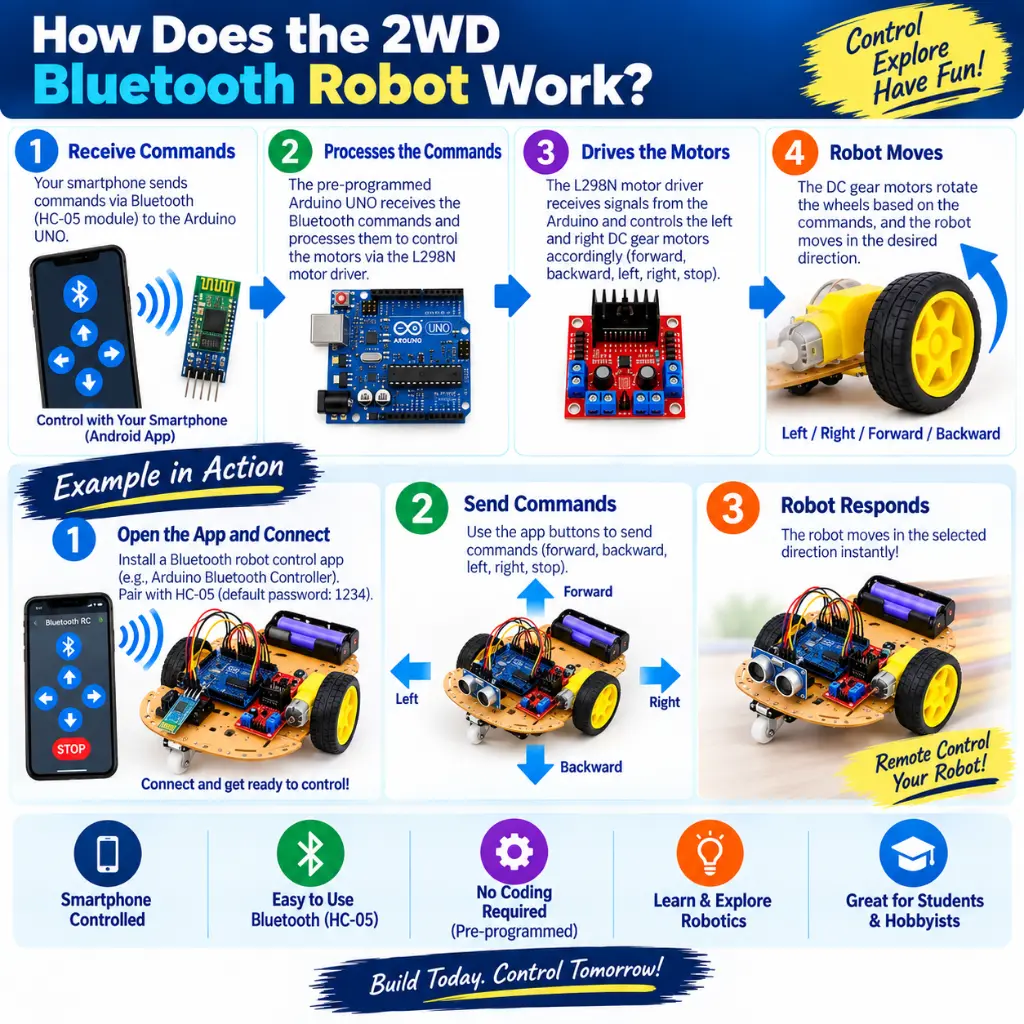
The HC-05 creates the wireless communication link between the Android smartphone and Arduino.
For reliable operation:
- Power the robot.
- Enable Bluetooth on the Android device.
- Locate the HC-05.
- Pair the device.
- Open the compatible Bluetooth control application.
- Select/connect to HC-05.
- Use the configured movement controls.
The RoboGears listing recommends pairing the HC-05 with the mobile application before operating the motors.
Assembly / Installation
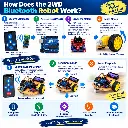
A simplified system architecture is:
Android Smartphone
↓ Bluetooth
HC-05 Module
↓ Serial Communication
Arduino UNO
↓ Control Signals
L298N Motor Driver
↓
Left Motor + Right Motor
The mechanical arrangement is:
Left Motor + Wheel ← Chassis → Right Motor + Wheel
with the castor wheel providing additional chassis support.
📚 Resources
This kit uses widely supported Arduino ecosystem components:
- Arduino UNO-compatible controller
- HC-05 Bluetooth module
- L298N motor driver
The Arduino board can be reprogrammed using the Arduino IDE for future learning and project modification.
Because the exact mobile application and RoboGears wiring/manual URL are not currently published on the product page, they should not be fabricated or linked here.